
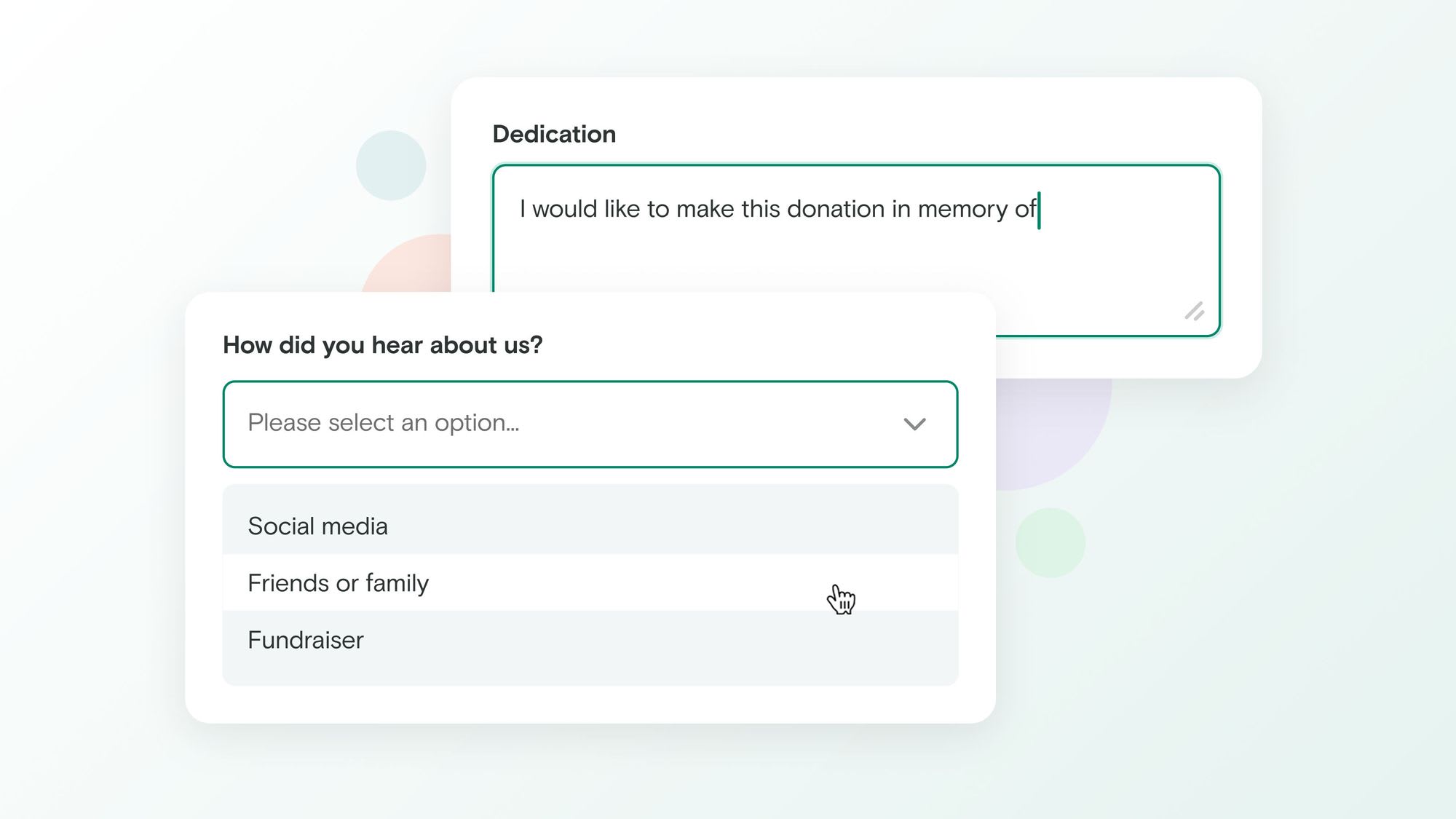
Knowing more about why someone gave, and who they are, helps you follow up meaningfully, allocate funds correctly, and build better donor relationships A donor might want to direct their gift to a specific program, give in memory of someone they loved, or make sure you have their address for a thank-you letter. Two new additions to Every.org's donation form make all of this possible.
What's new
Nonprofit admins can now add a custom field to their donation form (either a dropdown menu or a free-text box) to collect additional information from donors at the time of giving. You can also now enable donor address collection, so supporters can share their mailing address as part of the donation flow.
Both options are available on the new Donation form tab under Settings in your nonprofit dashboard.
Custom fields
The custom field lets you add a single question to your donation form. You choose the label donors see, and whether to offer a dropdown with your own predefined options or an open text box.
Whatever donors enter is recorded alongside the donation, visible in your donations dashboard, downloadable as a CSV, and included in your Salesforce and Zapier integration data.
Here are a few ways you might use it:
Designated funds, programs, and teams (dropdown). Create a dropdown with the names of your funds, programs, or teams (e.g. "General Fund," "Education Initiative," "Emergency Relief," "Chapter: Northeast") and let donors choose where their gift goes. Their selection gets recorded with the donation so you always know what they intended.
Dedications and in memoriam gifts (text box). Many donors give in honor or memory of someone. A simple "Dedication (optional)" text field gives them a place to share that, which you can use to personalize your acknowledgment or send a notification to the family.
Donor address collection
Address collection is set to optional by default. Unless you would like to disable it, donors who haven't yet provided a mailing address will see a field to enter one during the donation flow, including donors who are already logged in to Every.org.
This is useful for sending physical thank-you letters, fulfilling membership benefits that include mailings, or simply keeping complete donor records.
Don't worry - the donations still are unrestricted funds
An important note: even with these customization options, donations via every.org are always categorized as Unrestricted Funds and will continue as such.
Get started
Both options are available on the new Donation form tab under Settings in your nonprofit dashboard.
Already have an Every.org nonprofit profile? Head to your dashboard to enable these options.
New to Every.org? Claim your nonprofit's profile for free and start accepting donations with support for more payment methods than almost any other platform.
Questions? Reach out at support@every.org.